
Your face.
Your band.
Tiny Desk AI.
Take the lead or bring the whole group chat. Tap a dog to swap in your photo; the dogs you keep play backup.
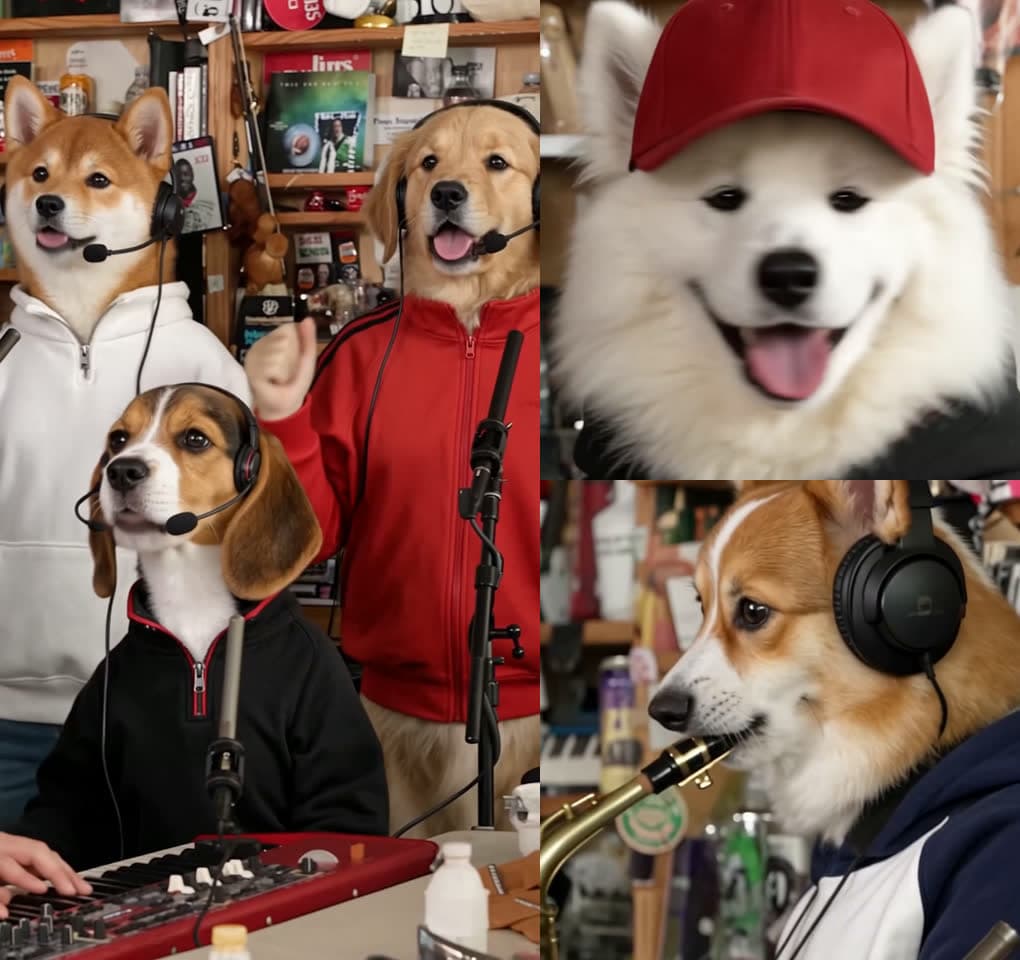
Tap a dog to add your photo. Drag a photo to move it. × on your photo brings the dog back; × on a dog keeps the original performer.
1–5 people · same price at each resolution · about 19 seconds
Independent parody for personal, non-commercial use only. Not affiliated with or endorsed by the original creators or performers. For adults 18+ only. Report a rights or likeness concern.
Small desk. Big performance.
A band shot, a laugh, a sax solo, and one more chorus. Pick the faces; keep the rhythm.
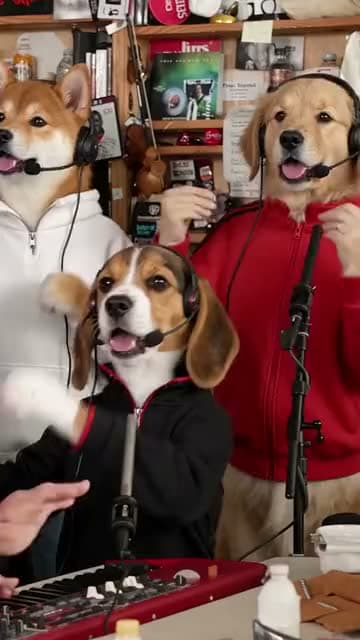
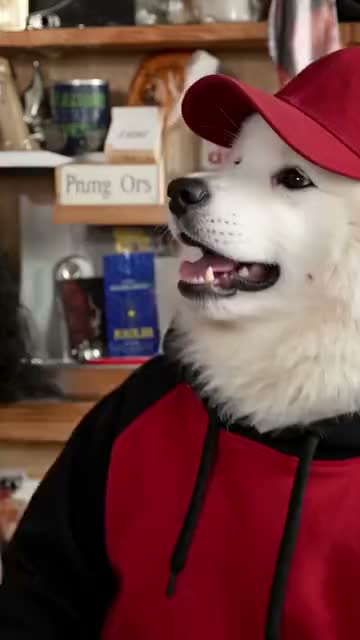
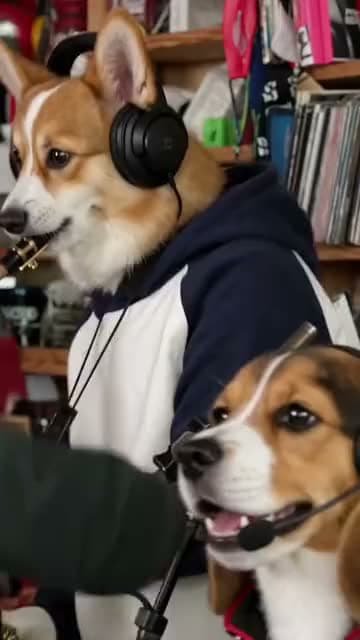
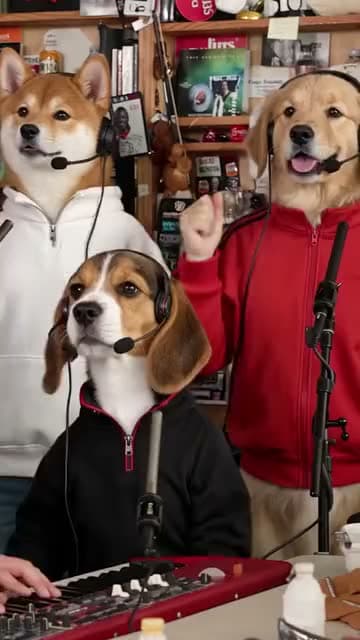
Frames from the template reference. Results depend on your photos and the selected resolution.
Make your Tiny Desk AI video
in three steps.
Cast your band.
Add one photo or all five. Drag portraits between positions, keep the dogs, or remove them to leave the original performer.
Make the video.
Confirm your age and photo rights, choose a resolution and review the credits. Your cast goes into the fixed concert edit.
Keep your cut.
Find the finished video in My Assets. Review it, then download the version with sound or the silent copy.
Tiny Desk AI FAQ
What is the Tiny Desk AI video generator?
A photo-to-video parody tool that places your chosen faces into a fixed, short desk-concert edit. Choose the cast on stage without writing a prompt or editing a timeline.
Can I replace just one person?
Yes. Add 1–5 photos. The dogs you keep play backup. Remove a dog to keep the original performer in that position. The credit price is the same for one or five photos at the same resolution.
Which photos work best?
Use one clear, well-lit, front-facing photo per person. Avoid sunglasses, covered faces and group photos. Everyone you upload must be at least 18, and you must have permission to use their photo.
What does a video cost?
The Generate button shows the credit quote before you submit. Choose 480p, 720p or 1080p; higher resolutions cost more. Your existing EveryGen credit balance is used.
Does the video include sound?
Yes. Completed creations include a version with sound and a silent version. The fixed edit is about 19 seconds long. Review the result before downloading or sharing.
Can I leave while it generates?
Yes. Return to this page in the same browser session or open My Assets. Processing time varies; your account keeps the creation status and result.
What if generation fails?
Confirmed provider failures return the held credits. If delivery or the result needs further checking, the request remains under review. Retrying the same request does not start a second paid creation.
Can I use another video or write my own prompt?
This template uses a fixed source and editing instructions. For a different video workflow, use the Create workspace.
What can I use the result for?
Personal, non-commercial parody only. This independent tool does not grant recording, music, likeness or trademark rights. Do not present a generated performance as real. People under 18 cannot use this tool.
How do I remove my files or report a concern?
Use Delete my site files in the workspace for your uploaded files and output. Rights holders and people depicted can use the rights and likeness report linked below.
Who’s on lead vocals?
One person or the whole band. Make the stage yours.
Cast my band